Clone a Salesforce dashboard
Clone a Salesforce dashboard without leaving it wired to the old reports
Native Salesforce dashboard copy still points at the original reports. SF Report Manager copies the dashboard and the reports behind it together, then rewires the copy to point at the new reports — not the old ones.
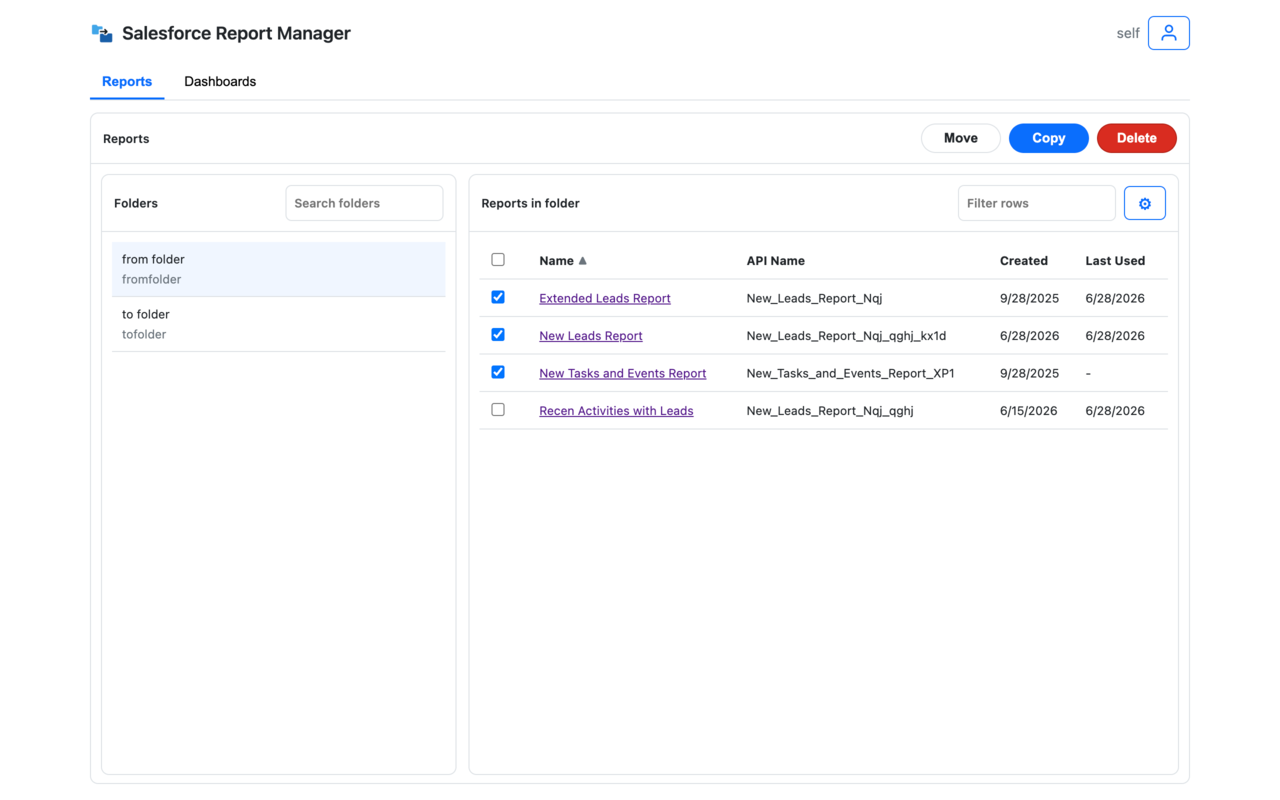
The gotcha with copying a Salesforce dashboard
How dashboard clone works
One selection, and the tool handles the report dependencies for you.
Choose the dashboard to clone
Pick the dashboard you want a real, independent copy of.
Choose where the copy should go
Set the destination folder for the new dashboard and the new copies of its source reports.
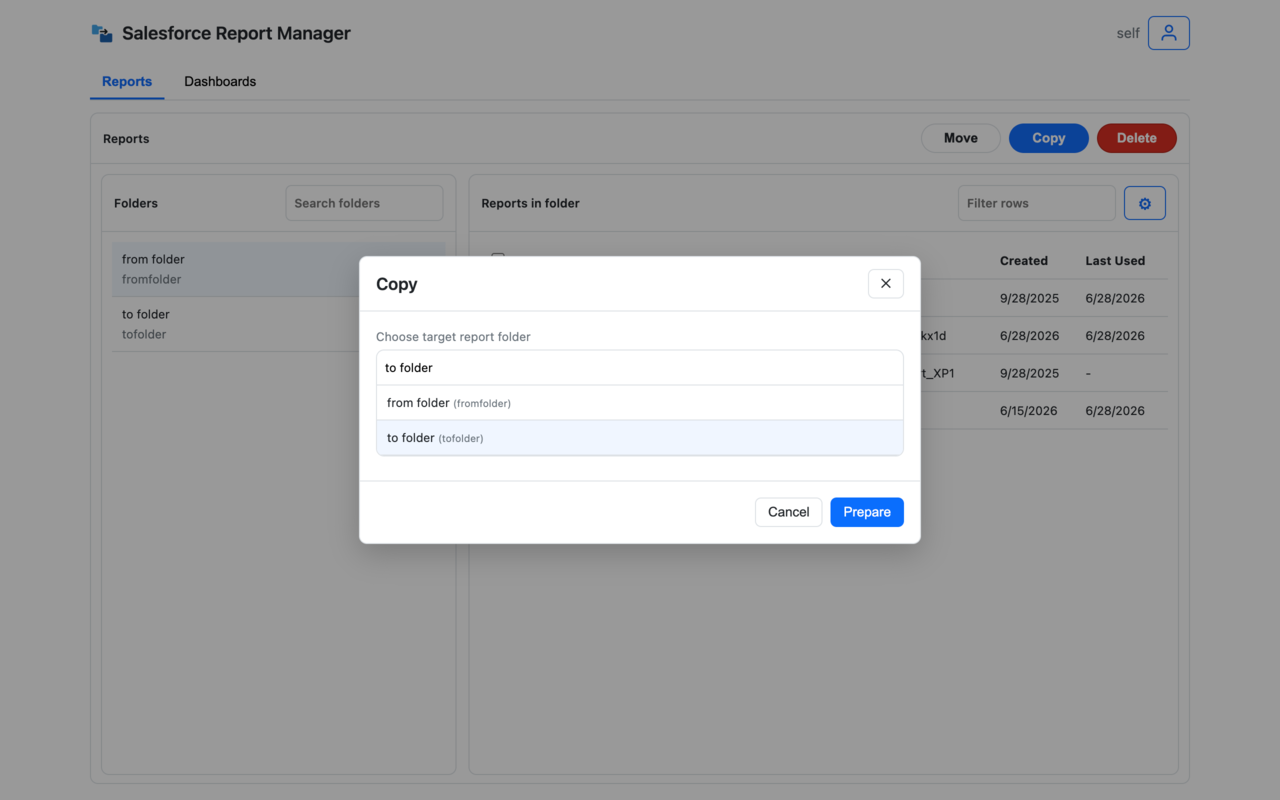
Review the rewired copy, then run it
See the new dashboard, its new report copies, and the updated links between them before anything is created in Salesforce. Run it and get a clear success and failure count.
Where dashboard clone earns its keep
Business-driven dashboard variants
Create a genuinely independent version of a dashboard for a new team, region, or use case — one that won't break if the original reports change.
Leadership and QBR reporting packs
Prepare a dashboard for a review or board meeting without dragging the original's dependencies, and its future changes, along with it.
No manual rewiring
Skip copying reports one by one and manually pointing dashboard components at the new copies.
FAQ
Can I duplicate a Salesforce dashboard with its source reports?
Yes. Dashboard copy prepares new copies of the underlying reports and updates the copied dashboard so it points to the new report set.
Why doesn't a normal Salesforce dashboard copy work for this?
Salesforce's native copy duplicates the dashboard shell but keeps every component pointed at the original reports. If those reports change or get archived later, the copy is affected too — even though it's supposed to be independent.
Can I clone multiple dashboards in bulk?
Not yet. Move and delete can run on selected dashboards, but dashboard copy currently supports one dashboard per operation, because the extension also prepares the referenced reports and rewrites the copied dashboard.
Does cloning change the dashboard's charts or logic?
No. The clone preserves the dashboard's layout and components. SF Report Manager manages the underlying assets and the links between them, not your business logic or filters.
Does it follow my Salesforce permissions?
Yes. You can only clone dashboards and reports you already have access to, and copies land only in folders you can access.