Salesforce report & dashboard cleanup
Clean up Salesforce report and dashboard folders without opening each one
Bulk delete stale reports and dashboards, or move them to an archive folder instead. Either way, review the exact list before anything changes — and deleted items land in the Salesforce Recycle Bin, so a cleanup mistake isn't permanent.
Why report folders turn into clutter
How folder cleanup works
Select the clutter, decide what happens to it, review, then run.
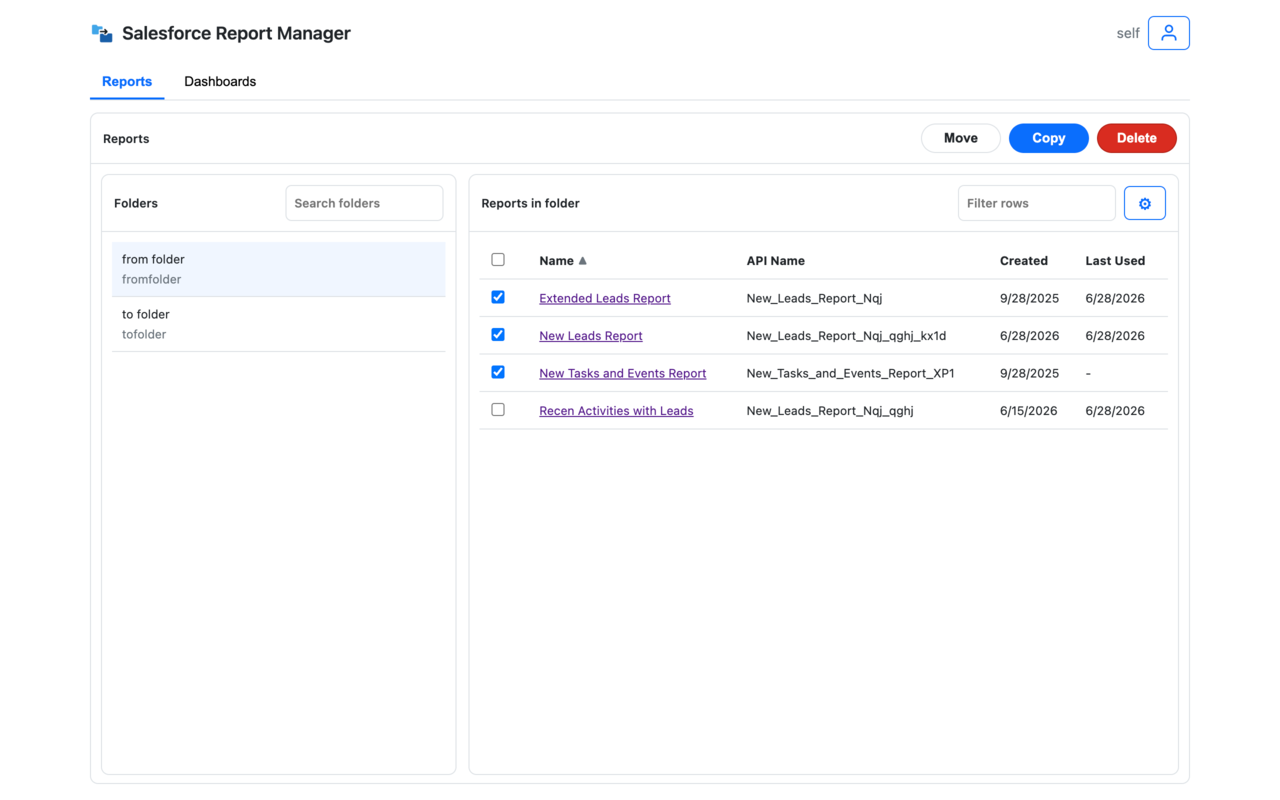
Select the stale reports and dashboards
Browse the folder, sort or filter to find what's outdated, duplicated, or unused, and select everything that needs to go.
Move to archive, or delete
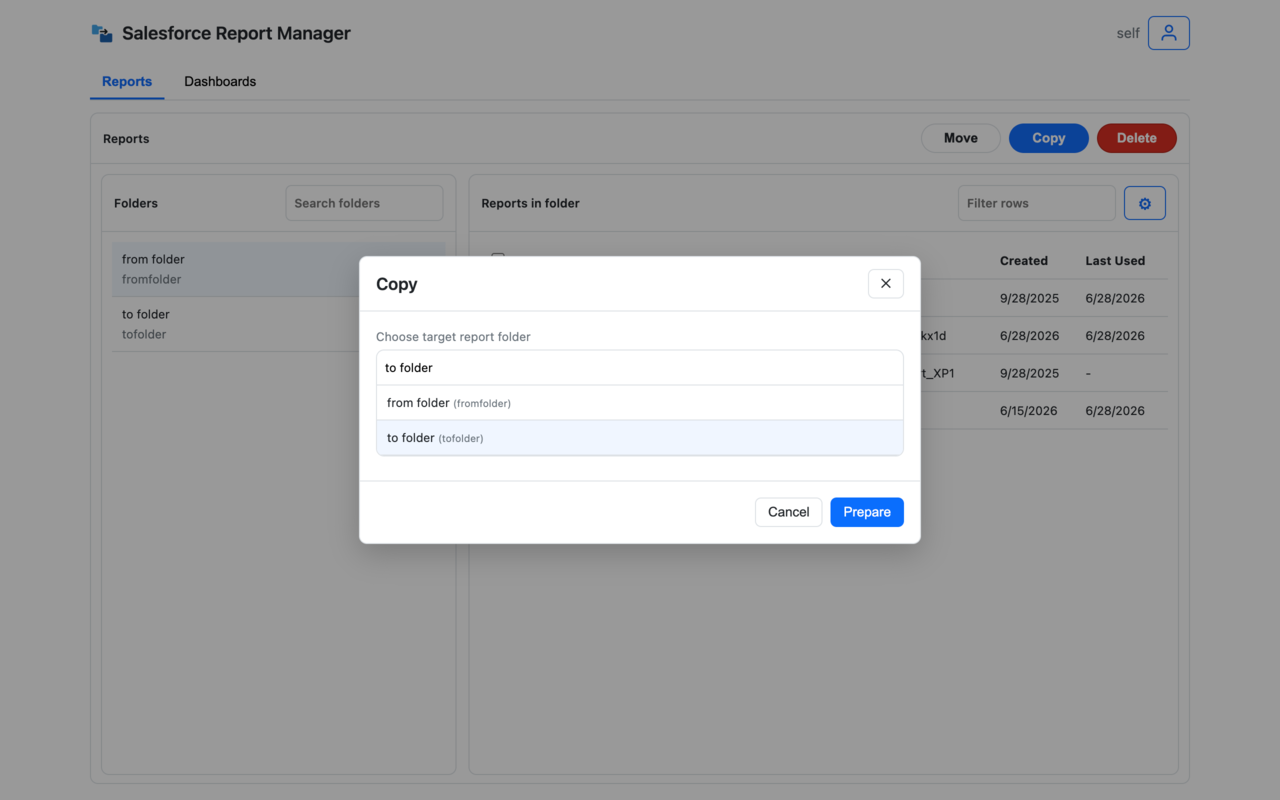
Send selected items to an archive folder to keep them just in case, or delete them outright — whichever fits the cleanup.
Review, then run it
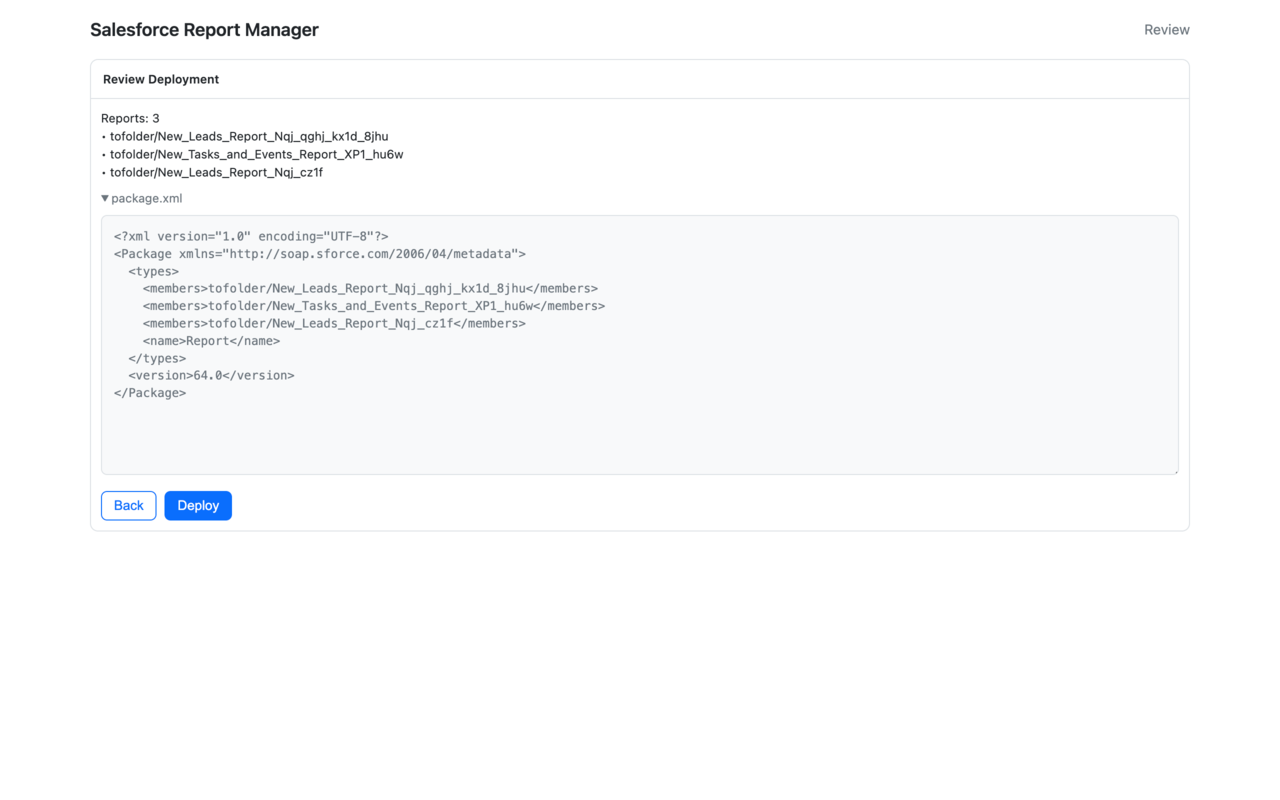
See exactly what will be moved or deleted before you confirm. Deleted reports and dashboards go to the Salesforce Recycle Bin, so a cleanup mistake isn't permanent.
Where folder cleanup earns its keep
Post-reorg and post-project cleanup
Clear out what a project, reorg, or migration left behind in one batch, instead of a running list you never quite get to.
Consultant handoff
Leave every client org with folders that make sense, instead of years of accumulated clutter for the next person to untangle.
Reports people can actually trust
Fewer duplicates and abandoned reports means less "which one is the real one" back-and-forth for the whole team.
FAQ
Can I bulk delete Salesforce reports and dashboards?
Yes. Select multiple stale reports or dashboards from a folder, review exactly what will be removed, and delete them in one batch.
Are deleted reports and dashboards recoverable?
Yes. Deletes go to the Salesforce Recycle Bin, so a mistake during cleanup is recoverable within Salesforce's standard retention window — not permanent.
How do I find duplicate or unused reports in a Salesforce folder?
Browse the folder, sort by last modified date or name, and select what looks outdated, duplicated, or abandoned. You review the full list before anything is moved or deleted.
Does it follow my Salesforce permissions?
Yes. You can only review, move, or delete assets and folders your Salesforce user already has access to.